InstaPlan by Makena / For appraisers
Capture more on your next inspection.
Scan rooms, create floor plans, and collect property photos and data on site. Use what fits your assignment.
Download InstaPlanYour first scan is free.
Opens the Apple App Store
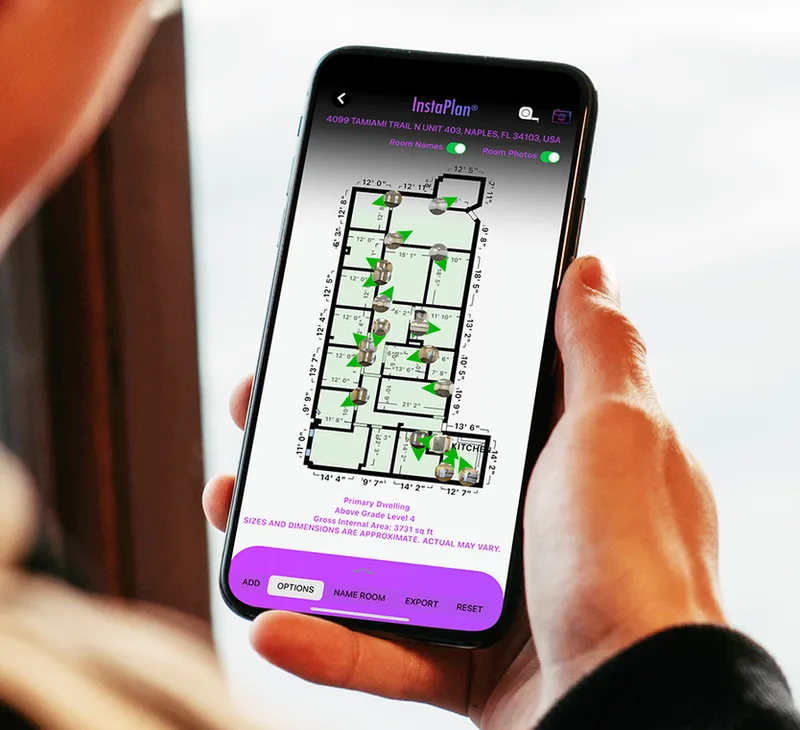
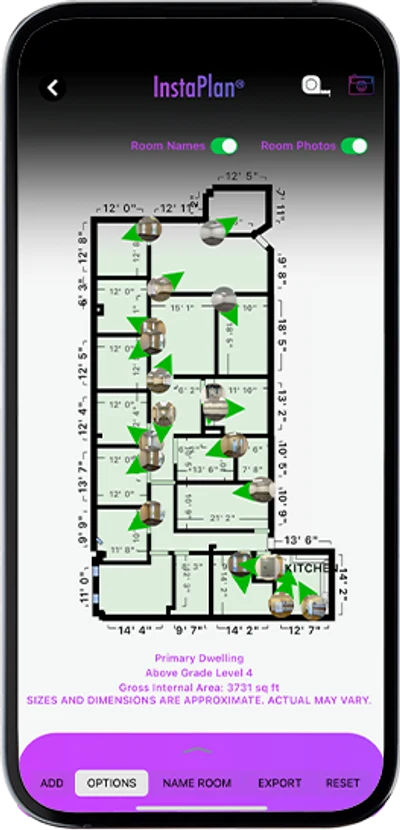
InstaPlan in use · Floor-plan view
Before you download
LiDAR device required to scan
iPhone·12 Pro / Pro Max or newer Pro with LiDAR
iPad·iPad Pro with LiDAR, 2020 onward
Requires iOS or iPadOS 15 or later.
Quick answers
A few things to know
How do I get started?
Download InstaPlan and open it on a supported LiDAR device. Follow the in-app scanning prompts, review your floor plan, and collect property photos or data where useful to your assignment.
Which devices can scan?
Scanning requires LiDAR: iPhone 12 Pro or Pro Max and newer Pro models with LiDAR, or iPad Pro with LiDAR (2020 onward). Standard iPhone, iPad, iPad Air, and iPad mini models do not have LiDAR for scanning.
What software version do I need?
InstaPlan requires iOS 15 or later, or iPadOS 15 or later.
Do I have to use every feature?
No. Use floor plans, property photos, or on-site data collection as needed for your assignment. You do not have to use every feature on every visit.
Can I install it on a device without LiDAR?
The App Store may allow installation on other devices, but a supported LiDAR device is required to scan a property.